Script inventory built from what actually executed
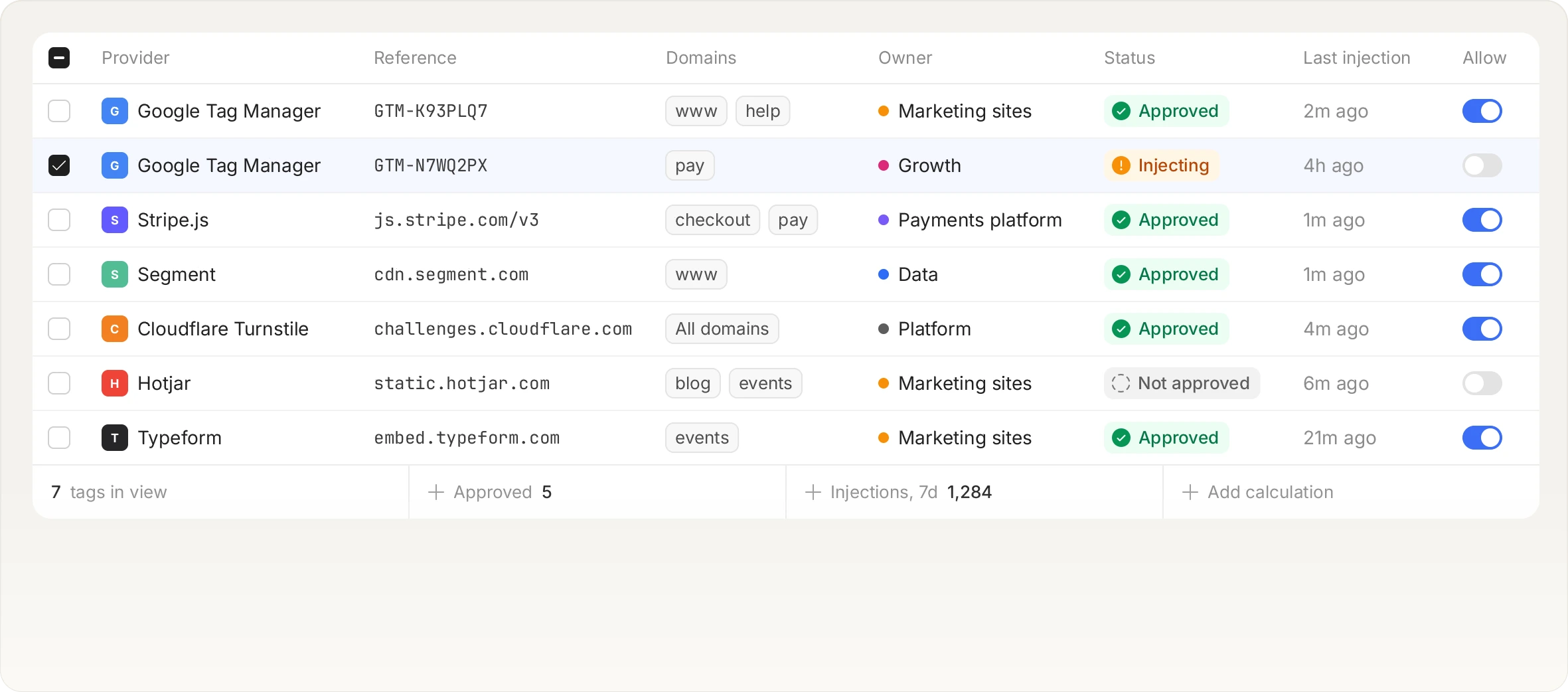
The inventory starts as a complete record of every script observed in a real session, not a list of the tags you remember adding. Your job becomes approving or removing entries.
Start for free
Talk to an expert
What is script inventory?
A script inventory is a record of every script that loads and executes on a page, where it came from, who approved it, and why it is allowed to be there. PCI DSS requirement 6.4.3 makes one mandatory on payment pages. The difficulty is never writing the list, it is knowing what belongs on it, because a tag manager loads vendors and those vendors load their own. Building the inventory from observed sessions inverts the problem: you start from reality and work towards approval.
Every script sits in one of four states
Four states, and only one of them is quiet
Requires action
The default for anything new, so nothing is ever silently allowed.
Approved
Someone accepted it with a written justification, pinned to a payload hash.
Blocked
It is stopped at runtime.
Ignored
You decided it is not interesting, recorded as a decision rather than a gap.
Requirement 6.4.3
The justification is per script, not per vendor
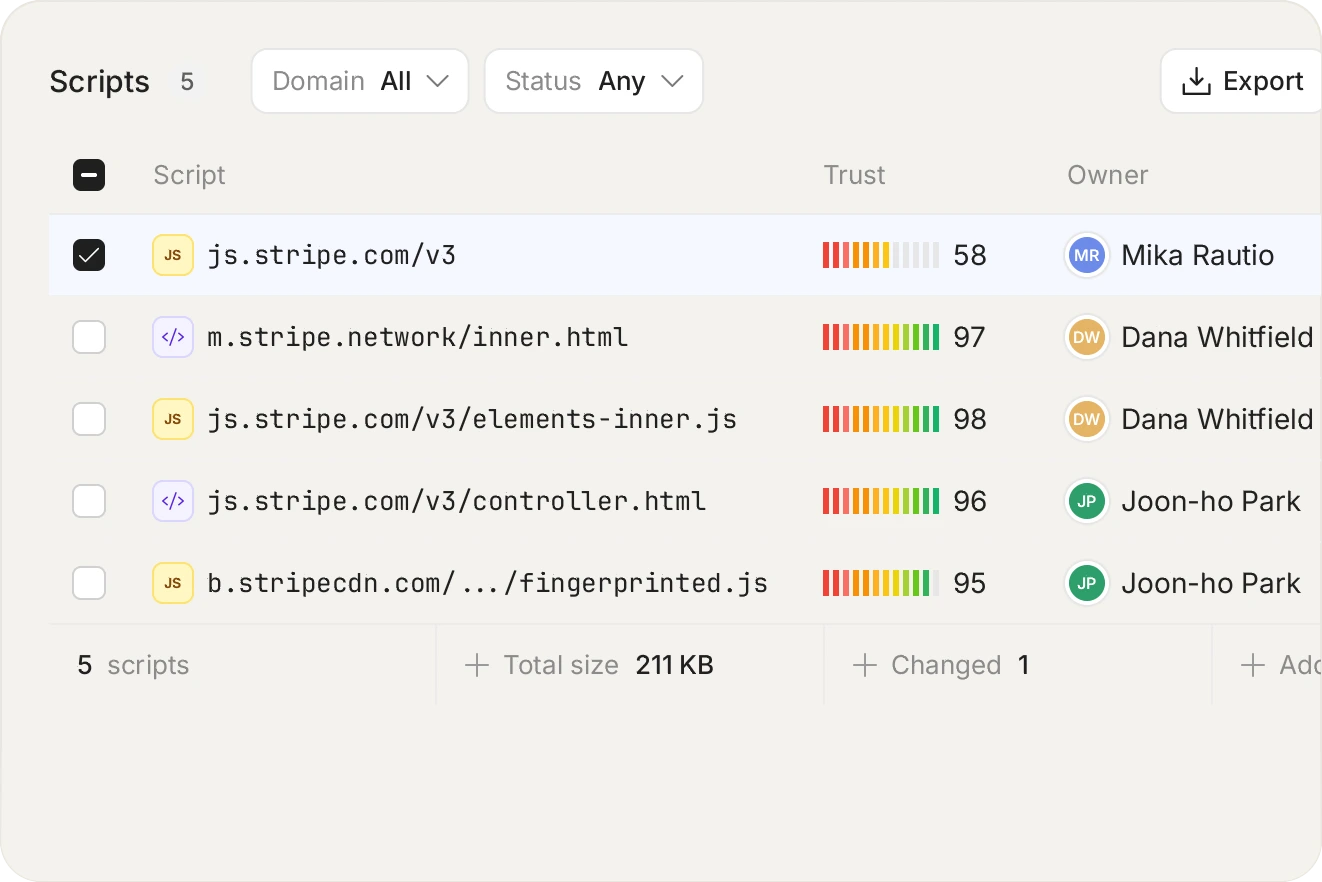
This is where most inventories fail an assessment. Approving a vendor is a commercial relationship. Approving a script is a statement about one piece of code on one page. A vendor whose tag is fine on your homepage may have no business on your checkout, and the inventory has to be able to express that.
Integrity
Change arrives as a review item
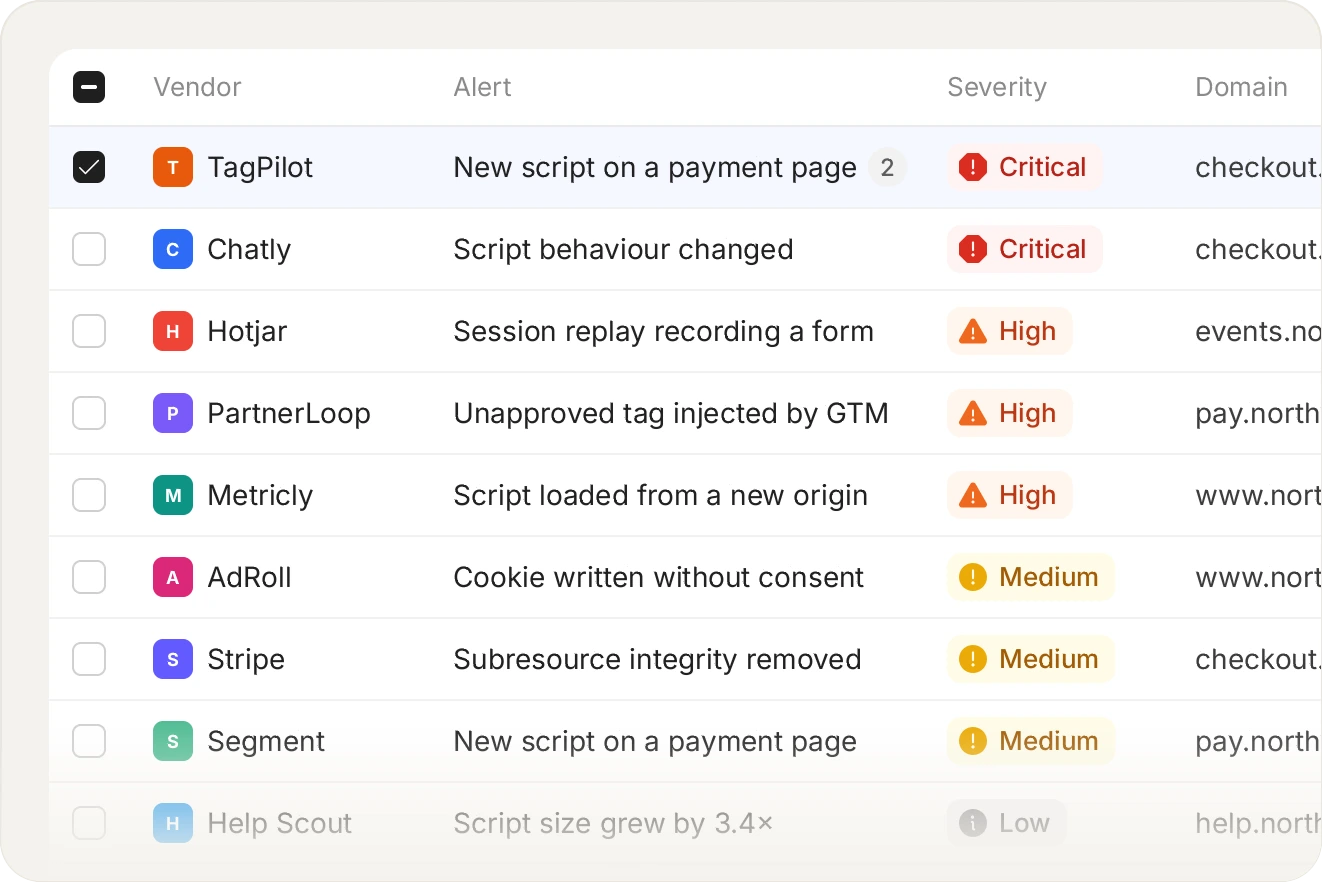
When an approved script's payload hash changes, it does not silently continue. It returns to 'requires action' showing exactly what changed, so a vendor shipping new code becomes a decision rather than an inheritance.
Requirement 6.4.3 is an authorisation record: every script on the payment page, where it came from, and why it is allowed to be there.
Related platform capabilities
Tamper detection
Content and integrity changes on the page.
Header monitoring
Distinct values seen per header, per week.
Vendors and load chains
Who loaded whom, and from where.
Script blocking
By URL, hash, domain, or single action.
Monitor-only mode
The same evidence, nothing stopped.
Alerts
Three channels: email, webhook, or S3.
Frequently asked questions
Read the FAQ
Yes, and that is most of the value. The record is built from what executed in the browser, so a fourth-party script loaded by a vendor's tag appears exactly like a script you added yourself, which is also how the browser treats it.
Yes. It is in the weekly evidence pack as a PDF for assessors, and available through the API and hourly S3 CSV batches for anything you want to do with it internally.
They are captured, and they are often the interesting ones. A script that appears on 0.1% of sessions still enters the inventory, which is exactly the case sampled approaches miss.
There is a middle option: block a single capability rather than the whole script. You can keep a vendor tag running while removing its ability to read form fields, which is often the right answer on a payment page.
See it on your own payment pages.
Install the tag, mark your payment pages, and watch the inventory fill in. Free forever on 1,000 page views a month, no credit card.
Free forever plan. No credit card.