Web skimming and e-skimming protection
One script on your checkout copies the card as the customer types it. The purchase completes normally and nothing in your server-side stack records anything unusual. Here is how the data leaves, and what actually detects it.
Start for free
Talk to an expert
TL;DR
Web skimming and e-skimming
ONE ATTACK, SEVERAL NAMES
Web skimming, e-skimming and digital skimming are the same technique. Magecart names the actors, formjacking names the mechanism.
HOW THE DATA LEAVES
The script listens to the payment form and exfiltrates values as an image request, a beacon, a WebSocket or a fetch, usually encoded so it does not look card-shaped.
WHAT DETECTS IT
Unexpected form-field access, a new outbound destination, a changed payload on an approved script, or a script that is not in the inventory at all.
Short on time? The cheapest prevention is removing scripts from the payment page that nobody can justify.
ON THIS PAGE
What is web skimming?
Web skimming is an attack in which malicious JavaScript running on a checkout page copies payment card details as the customer enters them and sends the data to a server the attacker controls, while the purchase completes normally. It is the digital equivalent of a physical skimmer fitted over an ATM card reader, and you will see the same technique called e-skimming in PCI SSC and FBI advisories, digital skimming in analyst reports, and formjacking when the emphasis is on the mechanism. Because the card is read in the browser and posted from the browser, the theft leaves no trace in your application logs and produces no failed transactions, which is why these attacks commonly run for weeks before anyone notices.
Web skimming, e-skimming, digital skimming: the same attack
These three terms describe one technique and differ mainly by who is speaking. Security vendors say web skimming. Regulators, card brands and law enforcement tend to say e-skimming, which is also written eskimming without the hyphen. Analysts sometimes say digital skimming. Magecart names the threat actors rather than the technique, and formjacking names the specific mechanism of hijacking a form. If you are comparing vendors and they each use a different word, they are almost certainly describing the same thing.
Term
What it emphasises
Where you see it
Web skimming
The technique, by analogy with physical ATM card skimmers
Security vendors, research write-ups
E-skimming
The same technique, in a regulatory register
PCI SSC and FBI advisories, card brand bulletins
Digital skimming
The same technique, in an analyst register
Industry reports and market research
Magecart
The actors and their toolkits, not the technique
Threat intelligence and incident reporting
Formjacking
The mechanism: hijacking the form itself
Technical writing about how it works
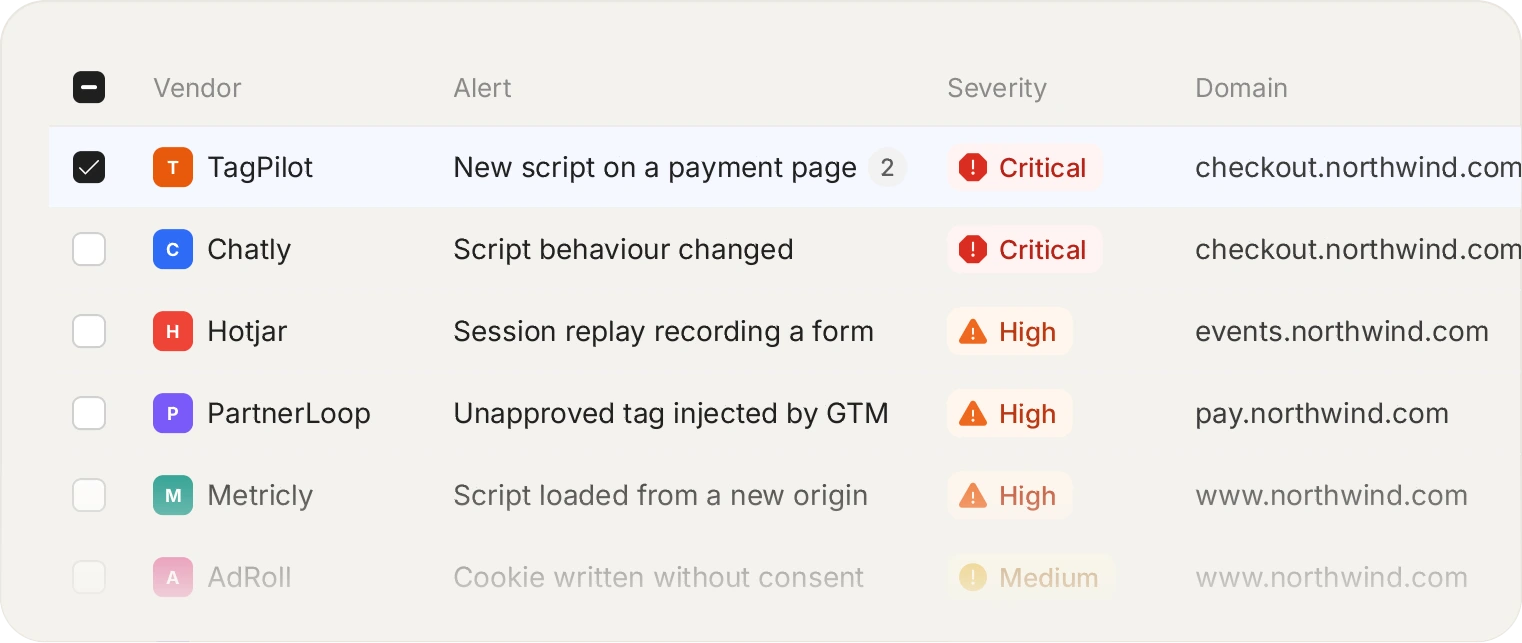
The exfiltration never touches your server, so a WAF never sees it. The request happens in the visitor's browser, which is the only place it can be observed.
How the card data actually leaves
The script attaches a listener to the payment form, or replaces the form outright with one that looks identical. As the customer types, values are copied. Exfiltration is then whatever the attacker finds convenient: an image request with the data encoded in the query string, a WebSocket, a fetch to a lookalike domain, or a beacon fired on page unload so it survives navigation.
Encoding is normal. Base64, simple XOR, and splitting the payload across several requests are all common, specifically so that a human glancing at network traffic sees nothing obviously card-shaped. This is one reason "we would notice a request to a strange domain" is optimistic in practice.
What actually detects it
01
Unexpected form field access
A script that reads a payment input, when reading payment inputs is not what that script is for. This is the signal closest to the actual harm.
02
A new outbound destination
An approved script that starts sending data somewhere it has never sent data before. New destinations are worth a review queue rather than a silent allow.
03
A changed payload on an approved script
The address is unchanged and the contents are not. This is the compromised-vendor case, and payload hashing is what surfaces it.
04
A script nobody approved
The simplest and still the most common: something is executing on the payment page that is not in the inventory.
Watch first if you prefer. Monitor-only mode produces the same evidence with nothing blocked.
Start for free
See pricing
Reducing the surface before you detect anything
Detection is necessary and it is not the first move. The cheapest win available on most checkouts is removing scripts that do not need to be there. Marketing tags, chat widgets, heatmaps, A/B frameworks and legacy pixels accumulate on payment pages because nobody owns the decision to remove them, and each one is both a compliance line item and an attack path.
Writing a business justification per script, which 6.4.3 requires anyway, tends to produce this clean-up for free: a surprising number of scripts have no answer to "what breaks if this is removed".
Frequently asked questions
Read the FAQ
There is a real difference, though the terms are used interchangeably. Web skimming is the technique: reading card data from a page in the browser. Magecart refers to the groups who do it, named after early campaigns against Magento stores. In practice a vendor saying Magecart protection and one saying web skimming protection are describing the same capability.
Yes, exactly the same attack. E-skimming is the term regulators, card brands and law enforcement tend to use, so it appears in PCI SSC and FBI advisories, while security vendors more often say web skimming. There is no technical distinction between them.
Partly, and it genuinely helps. If the card never enters a field you control, a script on your page has less to read. It is not complete protection: a script on the parent page can overlay a fake form on top of the real one, or read keystrokes before the provider's field receives them. The page hosting the iframe stays in scope for exactly this reason.
Usually through a third party rather than through you. Compromising a vendor whose script you already load is the most common route, because your allowlist and CSP both still pass. Tag manager access and vulnerabilities in the ecommerce platform itself make up most of the rest.
Partly, and it is harder than it sounds. Exfiltration is routinely disguised as an image request, split across several calls, or sent to a domain that looks like a CDN. Watching destinations helps most when you have a baseline of normal destinations to compare against, which is what an inventory gives you.
Yes, and it is the most underrated control available. Every script on a payment page is both an attack path and a 6.4.3 line item. Requiring a written justification per script tends to remove several, because a number of them turn out to have no owner and no answer to what breaks if they go.
Start with the scripts already on your checkout.
Install the tag, mark your payment pages, and see the inventory fill in. Free forever on 1,000 page views a month, no credit card.
Free forever plan. No credit card.